Controls:
Turn left = " a "
Turn right = " d "
Move forward = " w "
Move up = " i "
Move down = " k "
Instruction:
Navigate through the terrain and locate the enemy aircraft.
Most of the objects I used came from the website www.turbosquid.com and watching videos on youtube on how to create objects and apply textures on them.
I created the jet by following the videos on youtube. I initially had a desert terrain with textures applied on it along with a skycylinder and I didn't have a problem exporting the terrain from blender. However, when it was added to WebGL, it wouldn't display properly. I end up using the terrain and aircraft I found on the website.
Loading the objects into WebGl was not a problem but putting them together to make it function with one another was a challenge.
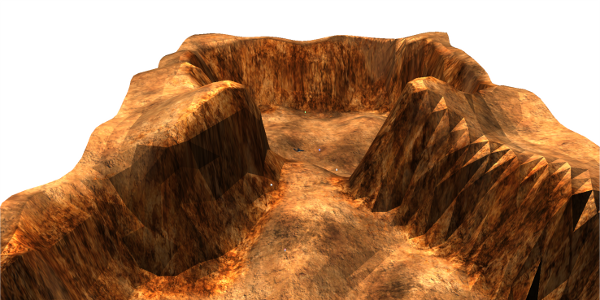
A screenshot of the terrain
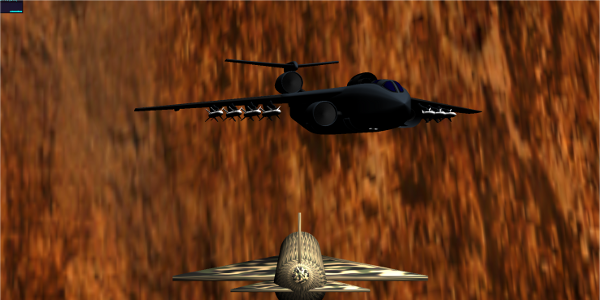
A screenshot of the enemy aircraft
Most of the time I spent was in the functionality. I had a missile function during the demo but end up removing it because it didn't have the functionality I wanted. When I press the fire button, it would face then proceed towards the target but would keep going after it reaches its target. I had a hard time figuring out to level the plane after doing a roll, pitch, and yaw movement.