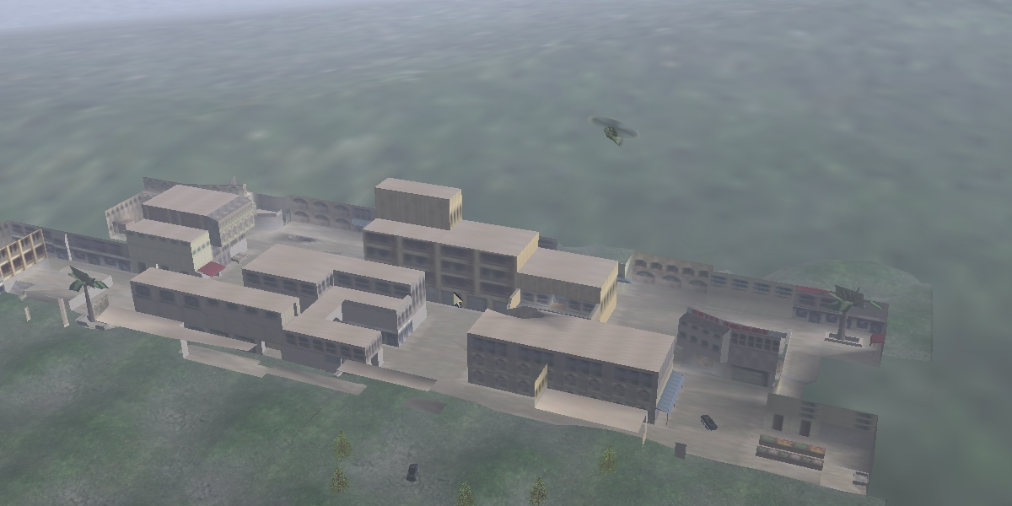
This simulation environment depicts a couple of LAV-25's operating in a small urban environment. Each LAV is separately controllable with the keyboard and mouse. LAV control includes driving, traversal and elevation of the main gun, and firing rounds with the main gun. The firing model for the main gun is an "Indirect Firing" model with rounds exhibiting a trajectory, detecting and impact, and producing an explosion sound and smoke. Both LAV's are ground clamped although they do not have pitch/roll change implemented in the current version. Sounds are incorportated for engine start, engine idle, gun firing and round impact. Sounds are given a locality in the environment and are positionally modified based on the camera listening position.
A separate first person shooter with an automatic rifle is also built into the environment. This mode uses a separate camera motion model than for LAV control and is selectable. A crosshair can be toggled on or off to fire an automatic rifle that uses a "Direct Fire" model where rounds are assumed to travel in a straight trajectory to calculate impacts.
Couse milestone activities included in this project:
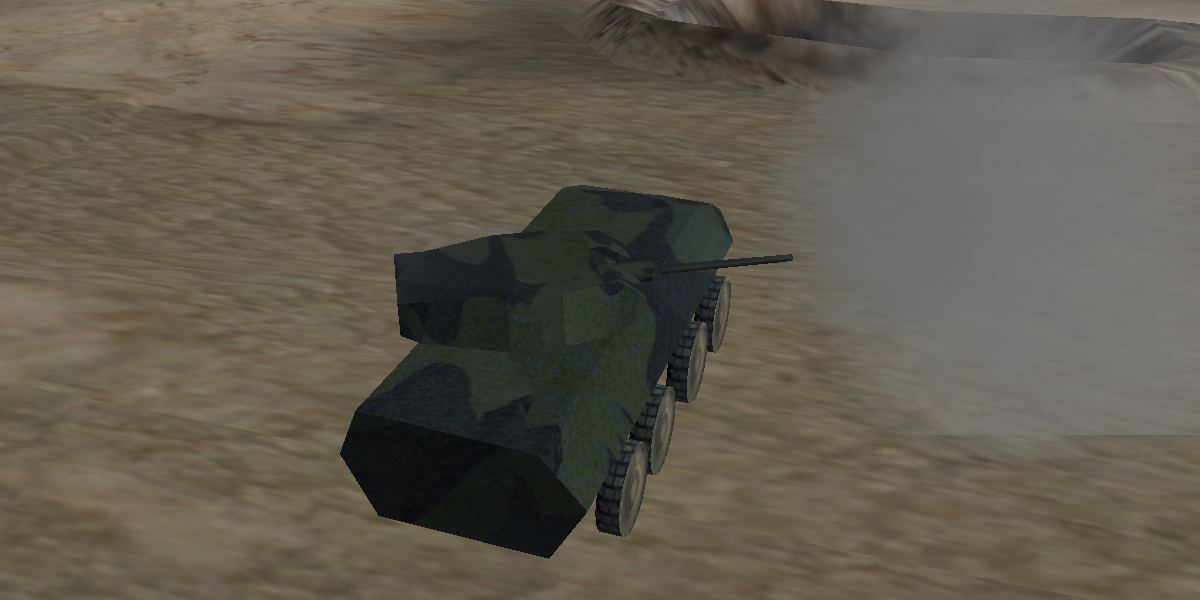
You can download the project here. To run, the Delta3D Python bindings are required.
| Key | Action |
|---|---|
| 6 | Toggle activation of the rifle crosshair. (INOP AT THIS TIME.) |
| 8 | Select control mode RIFLE. Collision motion model used. |
| 9 | Select control of LAV1. Fly camera motion model used. |
| 0 | Select control of LAV2. Fly camera motion model used. |
| b | Find the other LAV and aim the turret in that direction if clear LOS. |
| o | Traverse the turret to the right. |
| u | Traverse the turret to the left. |
| y | Elevate the barrel. |
| h | Depress the barrel. |
| m | Drive LAV backward. |
| i | Drive LAV forward. |
| k | Stop the LAV. |
| j | Turn the LAV to the left. |
| l | Turn the LAV to the right. |
| SPACE | Fire the main gun. |
| Mouse Movement | LAV1/LAV2 mode: move camera. RIFLE mode: move aimpoint. |
| MouseButton | LAV1/LAV2 mode: start LAV engine. RIFLE mode: fire weapon. |
| w/s | LAV mode: move camera forward/backward. RIFLE mode: forward/backward. |
| a/d | LAV mode: move camera left/right. RIFLE mode: left/right. |
| q/e | LAV mode: move camera up/down. RIFLE mode: N/A. |
| ESC | Exit the application. |
Here are a few captured videos to demonstrate some of the features of the environment. Each video is embedded here [be sure to enable embedded video in your browser], or can be downloaded using the corresponding link.
This video displays the LAV-25 selection and keyboard controlled driving and firing. The main gun rounds have been slowed down to illustrate their trajectory and explosion upon impact. In this version of the environment, a round will occasionally not register a collision, resulting in a longer reload delay. Download ExampleVid01 here.
This video displays the LAV-25 main gun firing. Download ExampleVid02 here.
This video displays object control via the key board, firing the rifle, LAV1 and LAV2. Download ExampleVid03 here.
This video displays object control via the mouse. Download ExampleVid04 here.
Here is a close up of one of the LAV-25 models.
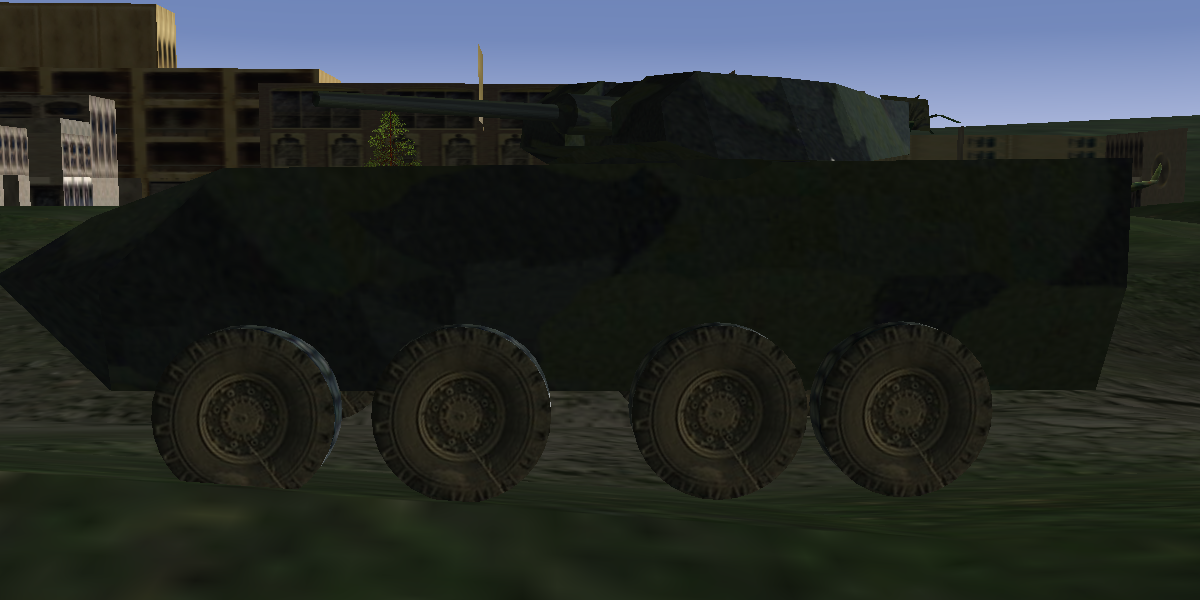
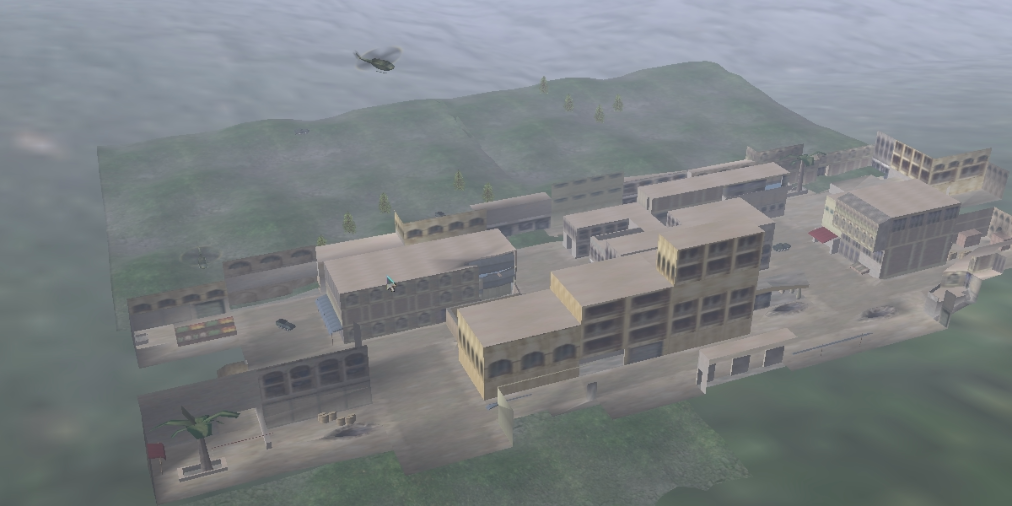
Here is an overhead shot of the terrain environment.
Here is a street view of the LAV firing in the street.

The following tool chain was used in the production of this environment.